
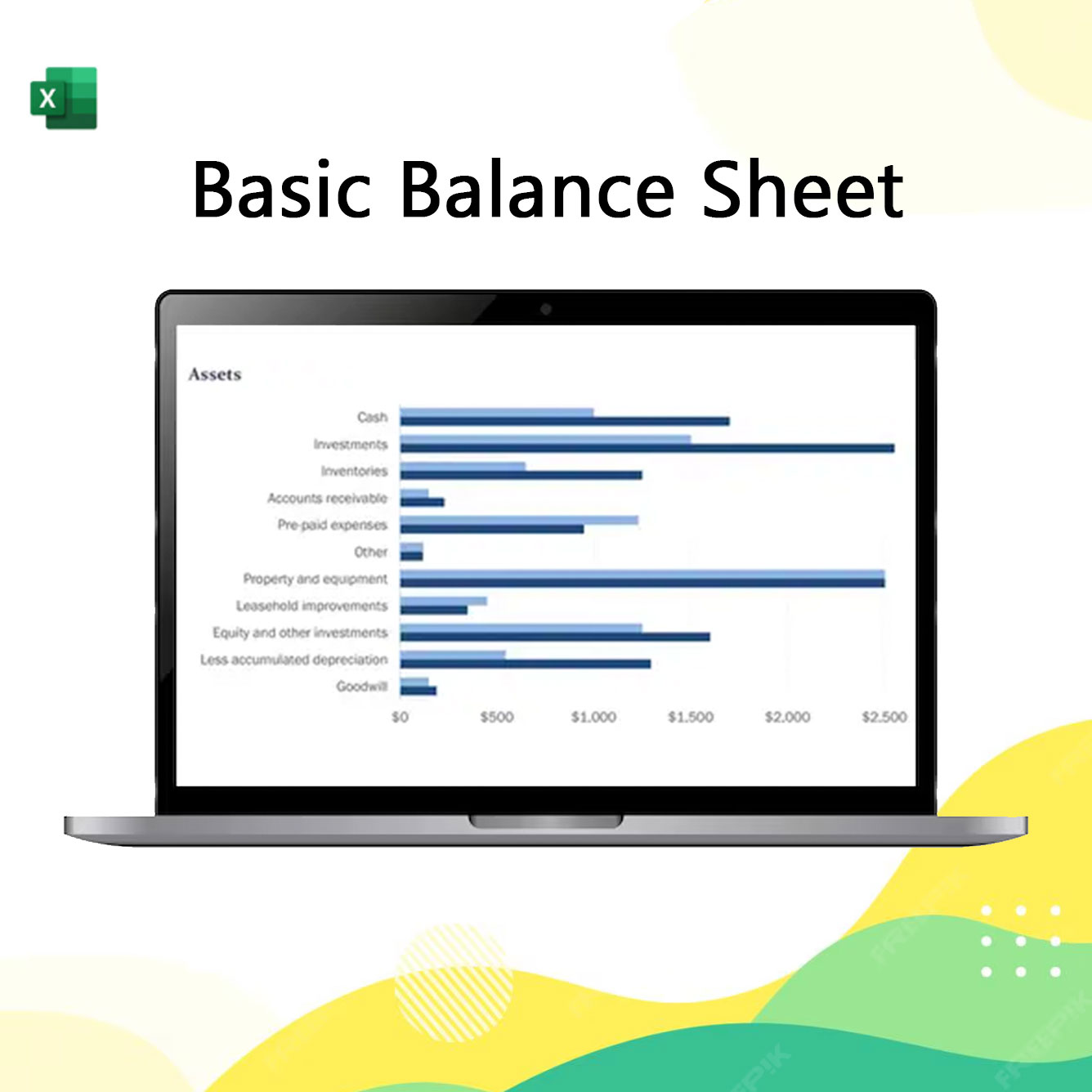
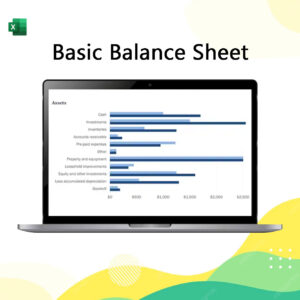
A Basic Balance Sheet mockup in Excel serves as a snapshot of financial health at a specific point in time, organized into a clean two-column or vertical layout that enforces the fundamental equation: Assets = Liabilities + Equity. The Excel structure typically features a bold header for the Statement Date, followed by a breakdown of Current Assets (Cash, Receivables) and Fixed Assets (Equipment, Property), while the opposing or subsequent section details Current Liabilities (Payables) and Long-term Debt. To ensure the mockup is functional, it should include a “Net Position” check at the bottom using a formula like =Total_Assets - (Total_Liabilities + Total_Equity)—which must result in zero—utilizing conditional formatting to highlight any imbalances in red, thereby providing a clear, error-proof template for tracking a business’s net worth.
Basic Balance Sheet
฿10.00
& Free ShippingA Basic Balance Sheet mockup in Excel serves as a snapshot of financial health at a specific point in time, organized into a clean two-column or vertical layout that enforces the fundamental equation: Assets = Liabilities + Equity. The Excel structure typically features a bold header for the Statement Date, followed by a breakdown of Current Assets (Cash, Receivables) and Fixed Assets (Equipment, Property), while the opposing or subsequent section details Current Liabilities (Payables) and Long-term Debt. To ensure the mockup is functional, it should include a “Net Position” check at the bottom using a formula like =Total_Assets - (Total_Liabilities + Total_Equity)—which must result in zero—utilizing conditional formatting to highlight any imbalances in red, thereby providing a clear, error-proof template for tracking a business’s net worth.
Reviews
There are no reviews yet.